



News & Updates


Lawmatics today announced it has been named a winner in the 2026 Artificial Intelligence Excellence Awards, in the category of Automation. Presented by the Business Intelligence Group, the award recognizes organizations, products, teams, and individuals that are applying artificial intelligence in ways that drive real, measurable impact.
The 2026 Artificial Intelligence Excellence Awards honor achievement across a broad range of industries and use cases, spotlighting the companies and leaders moving AI beyond experimentation and into practical, accountable deployment. This year’s program recognized winners across 36 industries and more than 15 countries.
Lawmatics was recognized for QualifyAI, an agentic AI feature built natively into the Lawmatics platform that automatically evaluates and prioritizes incoming leads for law firms based on each firm's specific criteria, including practice area, case type, and client profile. Through this work, the company has helped law firms reduce the time spent on manual lead review, increase the speed and consistency of prospect follow-up, and convert more leads into clients.
“AI has arrived! 2026 is about execution, accountability, and results,” said Russ Fordyce, Chief Recognition Officer, Business Intelligence Group. “Lawmatics stood out because its work in Automation reflects where the market is headed: practical AI that solves real problems, earns trust, and delivers measurable value. This recognition highlights a team that is not just participating in the AI shift, but helping define what meaningful progress looks like.”
“We are honored to be recognized in the 2026 Artificial Intelligence Excellence Awards for our work in Automation,” said Matt Spiegel, founder and CEO of Lawmatics. “This award reflects the talent of our team, the trust of our customers, and our commitment to building AI solutions that create real outcomes, not just headlines. We believe the future of AI belongs to organizations that can pair innovation with responsibility, and we are proud to be part of that movement.”
The Artificial Intelligence Excellence Awards celebrate the people and organizations leading the next phase of AI adoption, where innovation is judged not just by novelty, but by impact. Winners are selected based on how effectively they are using AI to improve performance, reduce friction, solve meaningful problems, and move their industries forward.
To learn more about the 2026 Artificial Intelligence Excellence Awards, visit:https://www.bintelligence.com/posts/2026-artificial-intelligence-excellence-awards-honoring-the-organizations-products-teams-and-individuals-defining-what-ai-can-actually-do

Lawmatics today announced it has been named a winner in the 2026 Artificial Intelligence Excellence Awards, in the category of Automation. Presented by the Business Intelligence Group, the award recognizes organizations, products, teams, and individuals that are applying artificial intelligence in ways that drive real, measurable impact.
The 2026 Artificial Intelligence Excellence Awards honor achievement across a broad range of industries and use cases, spotlighting the companies and leaders moving AI beyond experimentation and into practical, accountable deployment. This year’s program recognized winners across 36 industries and more than 15 countries.
Lawmatics was recognized for QualifyAI, an agentic AI feature built natively into the Lawmatics platform that automatically evaluates and prioritizes incoming leads for law firms based on each firm's specific criteria, including practice area, case type, and client profile. Through this work, the company has helped law firms reduce the time spent on manual lead review, increase the speed and consistency of prospect follow-up, and convert more leads into clients.
“AI has arrived! 2026 is about execution, accountability, and results,” said Russ Fordyce, Chief Recognition Officer, Business Intelligence Group. “Lawmatics stood out because its work in Automation reflects where the market is headed: practical AI that solves real problems, earns trust, and delivers measurable value. This recognition highlights a team that is not just participating in the AI shift, but helping define what meaningful progress looks like.”
“We are honored to be recognized in the 2026 Artificial Intelligence Excellence Awards for our work in Automation,” said Matt Spiegel, founder and CEO of Lawmatics. “This award reflects the talent of our team, the trust of our customers, and our commitment to building AI solutions that create real outcomes, not just headlines. We believe the future of AI belongs to organizations that can pair innovation with responsibility, and we are proud to be part of that movement.”
The Artificial Intelligence Excellence Awards celebrate the people and organizations leading the next phase of AI adoption, where innovation is judged not just by novelty, but by impact. Winners are selected based on how effectively they are using AI to improve performance, reduce friction, solve meaningful problems, and move their industries forward.
To learn more about the 2026 Artificial Intelligence Excellence Awards, visit:https://www.bintelligence.com/posts/2026-artificial-intelligence-excellence-awards-honoring-the-organizations-products-teams-and-individuals-defining-what-ai-can-actually-do

Lawmatics, the leading CRM and client acquisition platform for law firms, today announced the most significant expansion of its platform to date, adding three native AI tools that redefine how firms acquire clients, manage intake, and run day-to-day operations. Built natively inside the Lawmatics platform, QualifyAI, EngageAI, and MerlinAI give law firms the ability to instantly qualify new leads, engage prospects across every channel, and manage their operations through natural language prompts. Together, these agentic and generative AI tools help firms convert more leads into clients and operate at their full potential.
Law firms — particularly small and midsize practices — face a persistent gap between the volume of leads they receive and their capacity to respond to all of them effectively. Intake coordinators and attorneys managing high caseloads often cannot follow up with every prospect quickly enough, and leads that go cold represent real lost revenue. At the same time, the administrative burden of intake, reporting, and workflow management consumes hours that could otherwise be spent serving clients. With its AI suite, Lawmatics gives firms the capacity to respond to every opportunity, without adding to anyone's workload.
“Law firms don't lose potential new clients because of bad lawyering. They lose leads because of manual processes,” said Matt Spiegel, founder and CEO of Lawmatics. “QualifyAI, EngageAI, and MerlinAI give every firm on our platform the ability to operate at their full potential — converting more leads, serving more clients, and building the kind of practice they set out to build.”
QualifyAI is an agentic AI that evaluates incoming leads against a firm's specific criteria — including practice area, case type, and client profile — and automatically prioritizes the highest-value opportunities. Already recognized with an Excellence in AI Award from Business Intelligence Group, an independent organization that honors innovation across technology sectors, QualifyAI is the first of the three tools to reach general availability and is live for all Lawmatics customers today.
“Since rolling out QualifyAI, our firm has seen better quality leads coming through, higher conversion and close rates, and we’ve lost less time on poor-fit inquiries,” said Glenn Gilmour, Director of Operations at Johannesmeyer & Sawyer, PLLC and a Lawmatics customer.
EngageAI deploys AI-powered outreach agents across email, phone, text, and chat, ensuring every prospect receives a timely response and continues moving through the intake process regardless of staff availability. MerlinAI, an in-platform copilot, allows users to build automations, generate reports, and surface insights using simple conversational prompts. EngageAI and MerlinAI are in production and will be released to customers in the coming months.
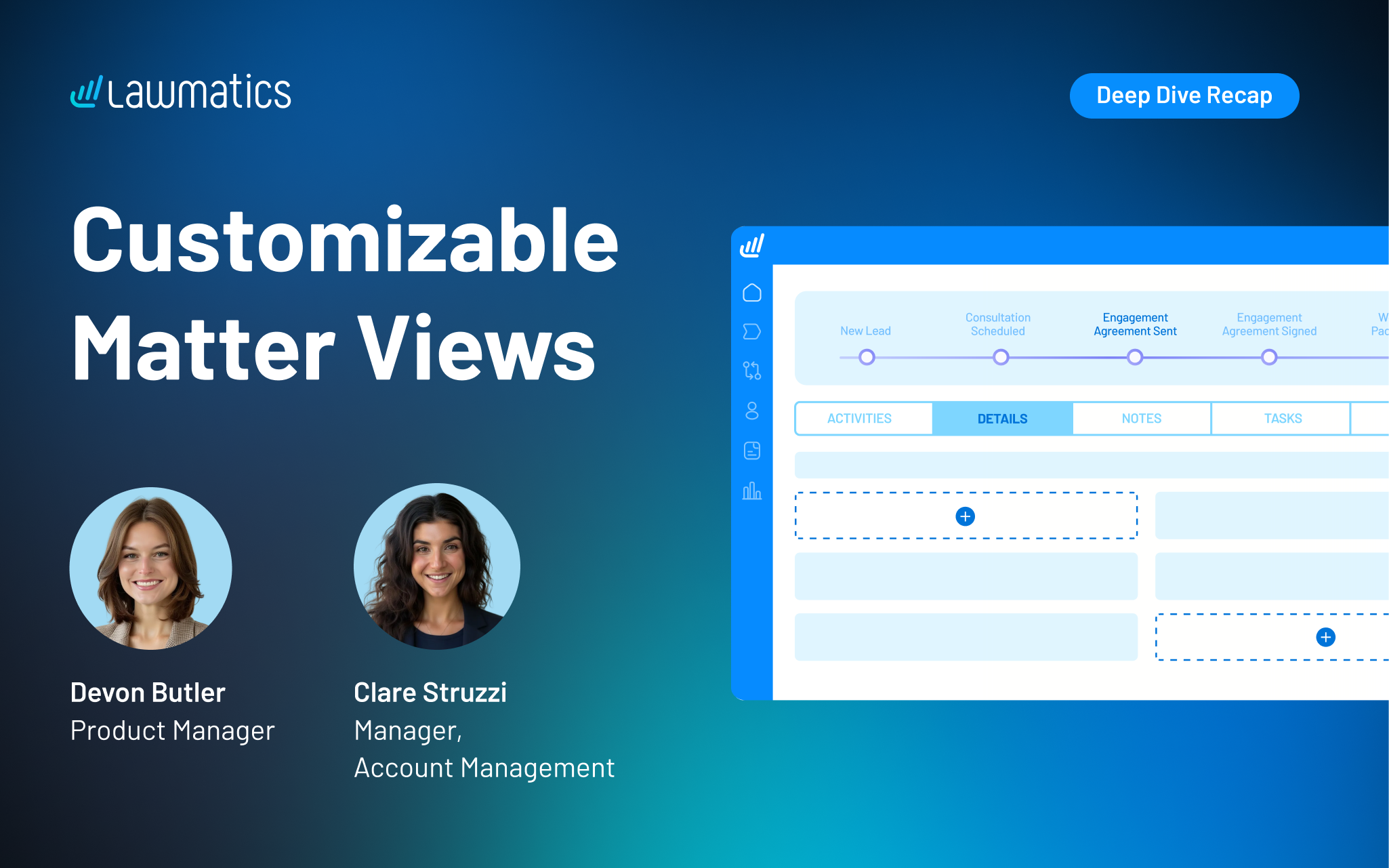
Matter profile pages can quickly fill with details, especially for firms managing multiple practice areas or using a lot of custom fields. Our recent platform update gave users the power to customize the layout of their Matter pages, making it easier to surface the right information, reuse fields without duplication, and create a more organized experience for every user at their firm.
In this Deep Dive webinar, Devon Butler, product manager at Lawmatics, and Clare Struzzi, who leads the account management team, walk through how these new customizable matter views work and how firms can tailor them to better match their workflows.
Time stamps of key takeaways
8:00 – A tour of the updated Matter page design
Devon kicked off the session with a walkthrough of the redesigned Matter page. Some of the key updates she highlights include a customizable side bar, reorganized sections within Matter details, and the ability to control the placement of fields on the page.
18:42 – How to tailor your Matter Details tab
The new Matter Details page gives you the flexibility to choose which fields appear on this page and how they’re organized. In this section, Clare and Devon showed how this flexibility allows teams to structure information in a way that aligns with their workflows, making day-to-day tasks easier to navigate.
27:15 – Setting up role- or practice-specific configurations
Devon demonstrated how firms can configure different matter views based on user role or practice area, ensuring each team member sees only what’s relevant to their work. This helps reduce noise, improve usability, and keeps confidential information on a need-to-know basis.
35:50 – Managing and maintaining your configurations
The team covered how to update, refine, and manage these configurations over time, including how changes apply across matters. This ensures firms can continuously optimize their setup as workflows evolve without needing to rebuild from scratch.
42:10 – Creating a more streamlined matter management experience
The webinar wrapped with a look at how these updates work together to create a more focused and efficient matter management experience. By organizing information more intentionally, firms can reduce friction, save time, and keep teams aligned around the details that matter most.
Webinar slide deck
Lawmatics, the leading CRM and client acquisition platform for law firms, today announced a new integration with SmartAdvocate, a leading case management provider trusted by litigation firms. The integration gives law firms a direct connection between lead intake and case management, removing the manual work that typically slows down the transition from signing a new client to beginning active case work.
Through this integration, firms using both platforms can sync matter details from Lawmatics to SmartAdvocate automatically or with a few clicks. Contacts, notes, documents, and custom fields transfer together, so teams can pick up new cases in SmartAdvocate with the full picture already in place.
For many firms, the gap between lead intake and case management is where small but costly problems take root. Details have to be re-entered manually, documents get uploaded twice, and information that was carefully collected during intake has to be tracked down again.
“When firms are growing and handling more leads, the last thing they need is a bottleneck between signing a client and starting the work. This integration with SmartAdvocate means that as volume increases, the process of getting a new case up and running stays fast and reliable, not slower and more error-prone,” said Matt Spiegel, founder and CEO of Lawmatics.
“This partnership reflects SmartAdvocate’s ongoing commitment to integrating with leading legal technology providers. By connecting Lawmatics’ feature set with SmartAdvocate’s comprehensive case management platform, we’re helping deliver a more complete solution that supports firms at every stage of the client journey,” said Allison Rampolla, senior vice president of sales & marketing at SmartAdvocate.
The integration is available now for customers of both Lawmatics and SmartAdvocate.
This launch continues Lawmatics' investment in building native integrations with the platforms law firms already depend on, so teams can connect their core tools without adding operational complexity. Lawmatics also continues to expand its platform capabilities, including breaking new ground in legal tech with QualifyAI, an AI agent that evaluates the quality of a firm’s lead as soon as it enters the system. From first touch to active case work, Lawmatics is building toward a future where every stage of the client acquisition process is built for efficiency and scale, without adding administrative burden.

Lawmatics, the leading CRM for law firms, today announced it has been named to G2’s 2026 Best Software Awards, placing #11 on the Best Legal Software list. G2, the world’s largest and most trusted software marketplace, reaches over 100 million buyers annually. Its annual Best Software Awards celebrate the world’s best software companies and products based on verified user reviews and market presence.
This ranking reflects a year of Lawmatics accelerating the shift to automated, AI-driven law firm operations, most recently with the full launch of QualifyAI, an AI agent that instantly identifies a firm’s best-fit leads based on firm-defined criteria and historical analysis. Lawmatics has also expanded its ecosystem with deeper practice management connections, including a new partnership with Filevine and a recently released integration with LEAP. Together, connections like these form a full suite of integrations that support firms within the systems they already rely on, from reception to practice management, helping reduce manual handoffs and streamline workflows.
“Law firms are being asked to move faster and deliver a better client experience with lean teams,” said Matt Spiegel, co-founder and CEO of Lawmatics. “Our mission is to unleash law firms’ full potential by putting trustworthy AI agents to work across intake and marketing. That means the right inquiries are identified early, the next step happens automatically, and teams spend less time on manual follow-up and more time doing high-value work. Implementing automation and AI as core infrastructure removes so much of the chaos and inconsistency that holds law firms back. Being recognized by G2 reinforces that our customers are gaining a competitive advantage from our approach.”
“As buyers increasingly shift to AI-driven research to discover software solutions, being recommended in the ‘answer moment’ must be earned with credible proof,” said Godard Abel, co-founder and CEO at G2. “Our Best Software Awards are grounded in trusted data from authentic customer reviews. They not only give buyers an objective, reliable guide to the products that help teams do their best work, but they’re also the proof AI search platforms rely on when sourcing answers. Congratulations to this year’s winners, including Lawmatics. Earning a spot on these lists signals real customer impact.”
Lawmatics was also recently awarded a Bronze Stevie© Award for Customer Service Department of the Year in the Computer Software - Up to 100 Employees category.

New lead intake breaks down when staff spend too much time on manual review. Some of those leads were never a fit for the firm in the first place, and in the time it takes to identify strong opportunities through manual review, those prospects might have already contacted another firm. When speed to lead is everything, firms can’t afford slow, inconsistent processes for qualifying and routing inquiries.
In this Deep Dive webinar, Devon Butler, product manager at Lawmatics, and Clare Struzzi, manager of the account management team, walk through how QualifyAI solves these problems in intake. They show how firms can design AI-driven qualification systems that surface the right leads earlier, automate next steps, and create a faster, more focused path from inquiry to conversion.
Time stamps of key takeaways
8:31 – Tailoring QualifyAI agents to your practice area
Devon shared how QualifyAI allows firms to design intake systems that reflect how they actually evaluate opportunities. Instead of treating every lead the same, firms can define what a strong case looks like in each practice area. QualifyAI compares leads to these criteria, as well as historical analysis of the firm’s cases, so the right matters rise to the top, weak fits are filtered out earlier, and intake teams spend their time where it counts.
34:52 – Using CoPilot to implement best practices
CoPilot is a chat interface that helps firms get started quickly with QualifyAI. Just type a prompt in CoPilot, and AI will automatically generate best-practice qualification criteria to match your practice area and jurisdiction. From there, you can refine the logic as needed, ensuring that your criteria are always up to date and consistent.
38:06 – How to trigger QualifyAI lead evaluations
Devon walked through how firms can automatically evaluate leads the moment key information is captured, typically through intake forms or matter creation. By connecting QualifyAI to workflows, intake teams can spring into action while a good lead is still fresh and ready to convert.
45:10 – Your lead has been qualified…now what?
Once a lead is categorized, firms can automatically take the right next step: prioritizing high-value opportunities, requesting consultations or agreements, referring out cases that aren’t a fit, or closing the loop on rejected inquiries. The result is a more focused intake process that follows up faster on strong leads and reduces time spent on the rest.
Webinar slide deck

Legal software is meant to reduce administrative work, not create more of it. But for many firms, disconnected systems still lead to duplicate data entry, manual handoffs, and wasted time between intake and case management. In this webinar, we walked through the new Lawmatics + LEAP integration and how it connects client intake, CRM, and marketing automation in Lawmatics with case management, documents, and billing in LEAP — so matters move forward without friction once a client is hired.
The session was led by Devon Butler, product manager at Lawmatics, and David Morgan, head of product for LEAP US.Together, they shared how the integration works, how firms can use it to create a more connected workflow from first contact through active case management.
Time stamps of key takeaways
4:13 – Defining CRM and practice management
Devon and David opened the session with a quick summary of the differences between a CRM like Lawmatics and practice management software like LEAP. Lawmatics handles intake, CRM, and marketing automation up front, while LEAP takes over once a client is engaged to manage cases, documents, billing, and accounting through the life of the matter.
9:25 – Live demo of the Lawmatics side
Devon walked through connecting LEAP inside Lawmatics, enabling the conversion sync, and configuring practice area and field mappings. She then demoed a full intake flow using a custom form, showed how matters are created in Lawmatics, and explained the different ways a matter can be converted or synced to LEAP.
22:37 – Live demo of the LEAP side
David opened the synced matter in LEAP to show how client details, matter type, related contacts, notes, and documents transfer from Lawmatics. He highlighted how attorneys can immediately begin work in LEAP using document automation, AI tools, workflows, accounting, and billing once the matter arrives.
26:50 – Q&A
The Q&A covered pricing and subscription structure, syncing existing matters, one-way sync behavior, multi-state limitations, and how custom forms and third-party tools like DecisionVault fit into the workflow.
Webinar slide deck
Lawmatics, the leading CRM for law firms, today announced a new official partnership with Filevine, an AI-native legal operating intelligence system designed for modern legal teams. The partnership deepens collaboration between the two companies and allows for direct API access, enabling faster integration performance, stronger capabilities, and a more reliable path from client intake to active case management.
The Lawmatics–Filevine partnership eliminates the need for repetitive manual data transfers and creates more dependable hand-offs throughout the client lifecycle. Law firms increasingly rely on multiple systems to run their practices, but when those systems don’t stay in sync, teams pay the price in duplicate work, inconsistent information, and avoidable operational risk. As firms grow, operational drag compounds quickly: small data gaps become delays, delays become bottlenecks, and bottlenecks reduce responsiveness.
“Our job as a platform is to make day-to-day work easier for the people running a firm,” said Matt Spiegel, co-founder and CEO of Lawmatics. “Partnerships like this at the product and engineering levels help teams within law firms stay aligned, and they help legal clients have a consistent and responsive experience from the word go.”
"We are excited that Lawmatics has become a Filevine Certified Integration Partner," said Erik Bermudez, VP strategic partnerships at Filevine. "This underscores Lawmatics' and Filevine's commitment to bring integrations to the client experience that deliver true value."
The integration is already live and available for customers of both Lawmatics and Filevine.
This partnership reflects Lawmatics’ continued investment in supporting firms through high-volume intake and day-to-day operations, including the release of QualifyAI to support faster, more consistent lead evaluation; event management and round robin lead assignment to coordinate schedules and reduce bottlenecks; and a new mobile app to keep work moving while legal professionals are away from their desks. Lawmatics also maintains SOC 2 Type II and HIPAA compliance to support firms that handle sensitive client information at scale, and it continues to grow a robust network of native integrations so firms can connect the core tools they already depend on without adding operational complexity.
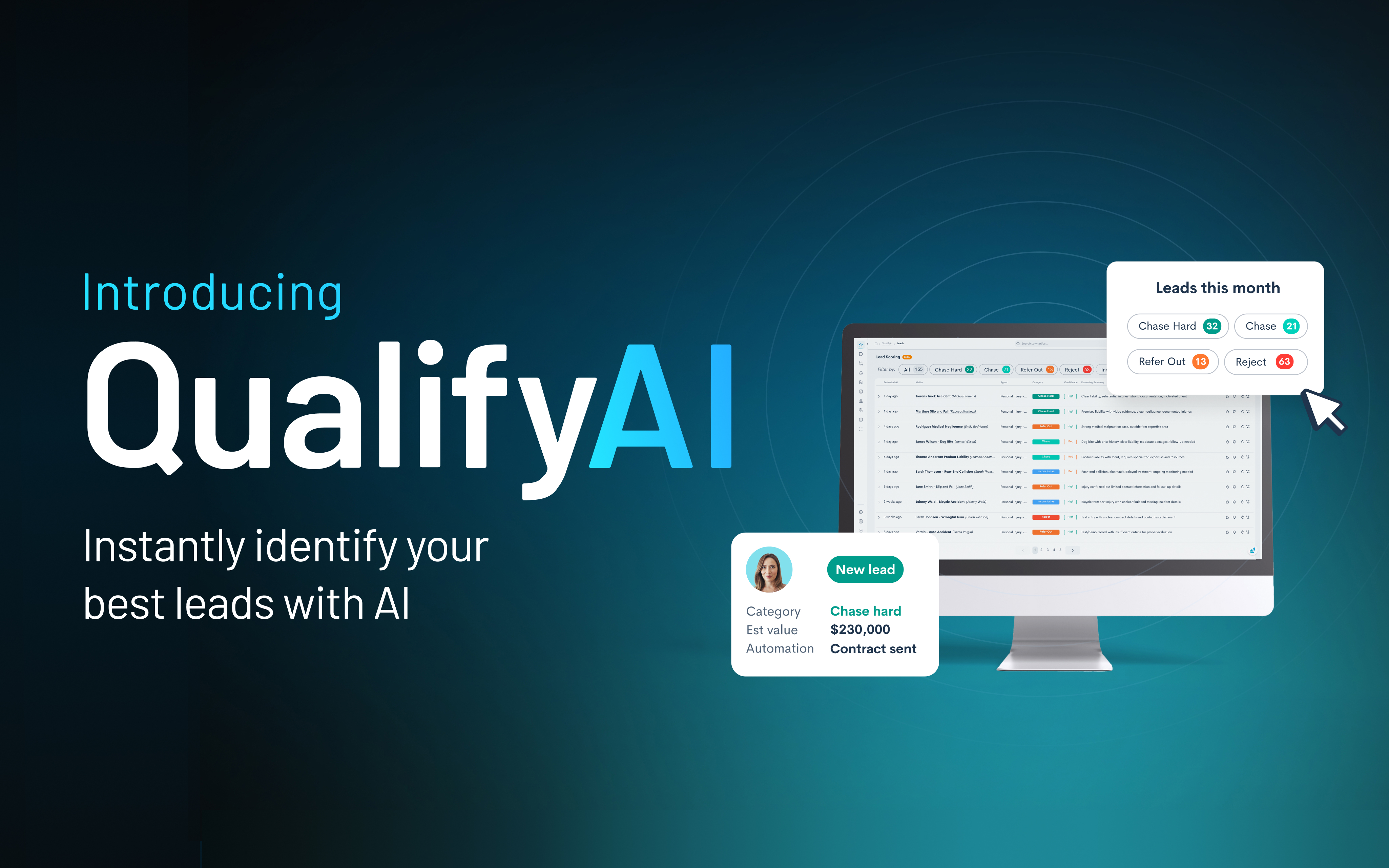
Lawmatics, the leading CRM for law firms, today announced the full launch of QualifyAI, an AI agent designed to help law firms convert more inquiries into signed clients. Following a successful beta with active Lawmatics customers, QualifyAI is now available to all customers as an add-on feature.
For growing firms, lead intake is one of the highest-leverage points in the business — and one of the easiest places for potential revenue to leak. When responses are delayed or qualification standards vary from one team member to another, good-fit prospects slip away while poor-fit inquiries consume valuable time. As a result, marketing dollars are spent generating volume that doesn’t turn into cases that fit a firm’s preferred client profile. QualifyAI brings structure and consistency to this first critical decision, enabling firms to evaluate lead quality immediately and act with greater speed and precision.
“Lead intake can make or break a law firm’s growth,” said Lawmatics co-founder and CEO Matt Spiegel.
“If you’re slow to respond, don’t have that much information about a prospect, or don’t realize a lead isn’t a fit until you already have a contract ready, you’re simply not going to convert as many leads into paying clients.”
With QualifyAI, firms define their own qualification criteria — including accepted practice areas, disqualifiers, and key intake signals — and an AI agent applies that logic consistently across every evaluated inquiry. Each recommendation includes clear, explainable reasoning, giving intake teams visibility into why a lead was scored a certain way and allowing firms to refine their criteria over time. This feedback-driven approach helps firms continuously improve how leads are evaluated as the firm evolves, and instills confidence that the first decision made during intake is the right one.
“Our team used to spend hours reviewing leads one by one. Now, QualifyAI in Lawmatics does the first pass for us,” said Jay Stefani, managing partner of Levinson & Stefani and a Lawmatics customer who participated in the beta. “I don’t have to review every lead myself, and I know the system is qualifying cases the way our firm would. It saves time and helps us respond to good leads faster.”
QualifyAI works natively inside the Lawmatics platform, integrating directly with existing workflows and automations. Firms can use QualifyAI’s recommendations to automatically trigger routing, follow-ups, and next steps — ensuring high-quality leads are prioritized immediately.
The full launch of QualifyAI builds on a series of recent Lawmatics releases focused on helping law firms convert more qualified clients through automation and AI-powered speed to lead. To assist the transition from qualified lead to signed client, Lawmatics has also expanded its ecosystem with deeper integrations into legal practice management platforms such as Filevine, MyCase, and LEAP, with a SmartAdvocate integration coming soon.
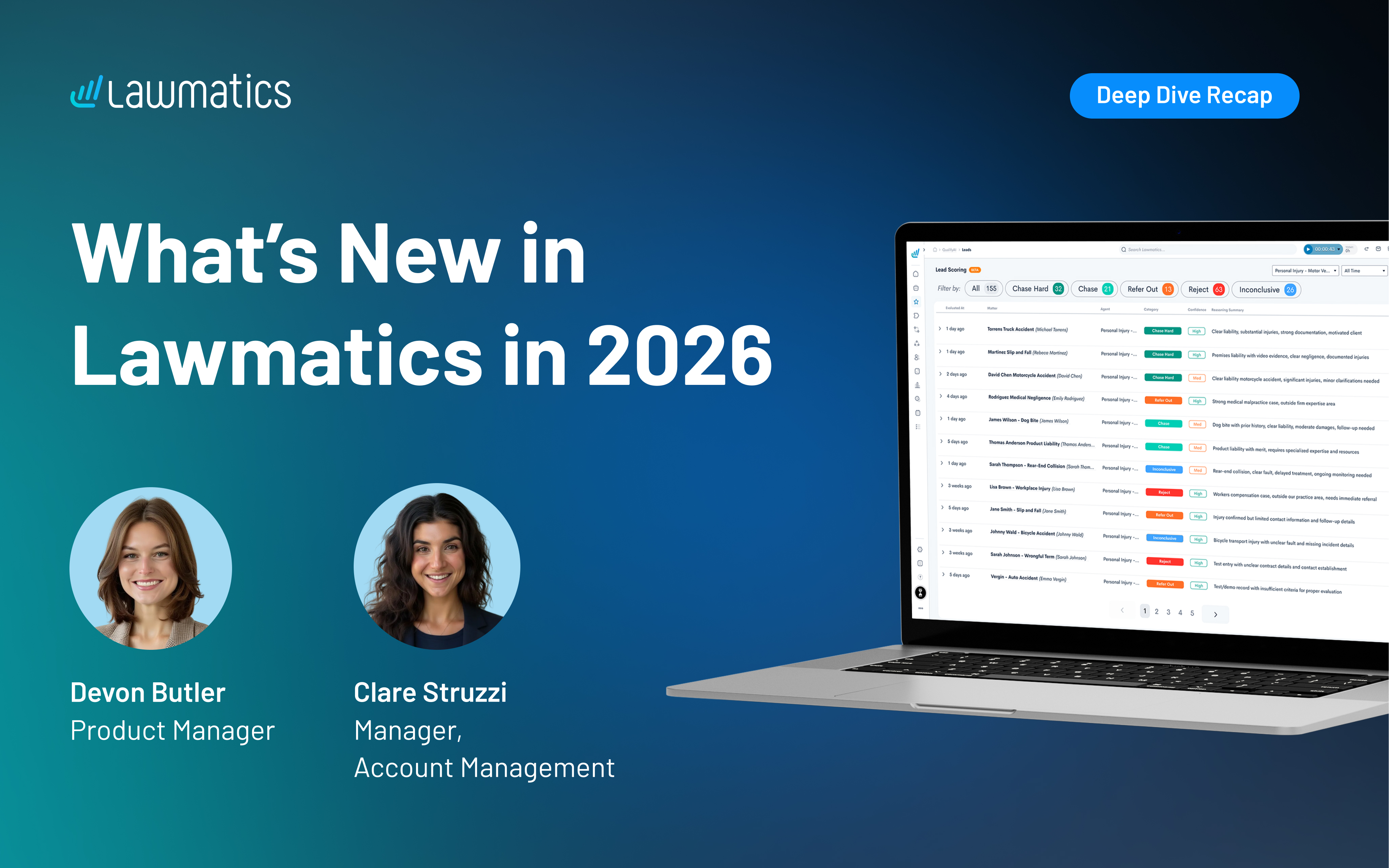
Law firms spend a lot of time on the same three problems: getting the right information from new leads, quickly signing prospects after they’ve been qualified, and knowing which marketing dollars are actually paying off. In this session, Product Manager Devon Butler and Account Management Lead Clare Struzzi walk through new and upcoming Lawmatics features that address each of those challenges, from QualifyAI lead evaluation to e-signature packets and upcoming Meta Ads tracking.
Time stamps of key takeaways
7:15 – Send one link for forms, signatures, and payment
16:13 – Add automation around packet completion
24:03 – Set up QualifyAI agents by practice area
31:25 – See the “why” behind each QualifyAI recommendation
45:11 – Track Meta Ads spend and leads automatically
Webinar slide deck

As we head toward the end of the year, our team revisited the most meaningful product updates of 2025 and how they’re reshaping the way firms work. All year long, our product work has centered on the same core goal: removing the obstacles that slow firms down. That’s meant bringing key information to the surface when teams need it, cutting out friction in the client journey, and giving staff clearer ways to build and maintain their processes across the platform.
Time stamps of key takeaways
8:15 – New, intuitive navigation
Devon walks through the redesigned navigation, which brings the most-used areas — like Matters, Pipeline, Calendar, Tasks, and Automations — into a cleaner, left-hand layout for quicker access. Reminders, emails, and other tools that had previously been scattered across the app now live in central, easy-to-find locations. The goal is simple: fewer clicks, clearer groupings, and a workspace that reflects how firms actually move through intake.
26:20 – Get key info faster with MMS
The team shows how firms can now receive MMS messages directly into Lawmatics, allowing clients to text photos or documents straight into their matter. It’s especially useful for practices like personal injury, where images of an accident or ID documents are often needed quickly.
31:18 – Manage your emails in one place
Email tools have been fully centralized, replacing the old model where templates lived in different corners of the app. Everything — from document send templates to automation emails — can now be created, edited, and organized in one place. Folders help firms manage growing libraries of emails, and each template can be applied across multiple documents without duplicate versions.
36:55 – Build and maintain automations with less effort
Devon and Clare highlight the refreshed automation experience, which makes appointment-based and date-based workflows easier to find, build, and understand. Relative timing is now built directly into each automation, and shared entry rules help firms avoid recreating the same logic dozens of times. Automation builds can also now be grouped in folders, similar to how you organize your email library.
45:18 – Additional highlights
The session closes with a handful of smaller but long-requested additions, including improvements to round-robin scheduling, password-protected forms, Message Center filters, auto-pay for billing, and color-coded appointment types to make dense calendars easier to read.
Webinar slide deck
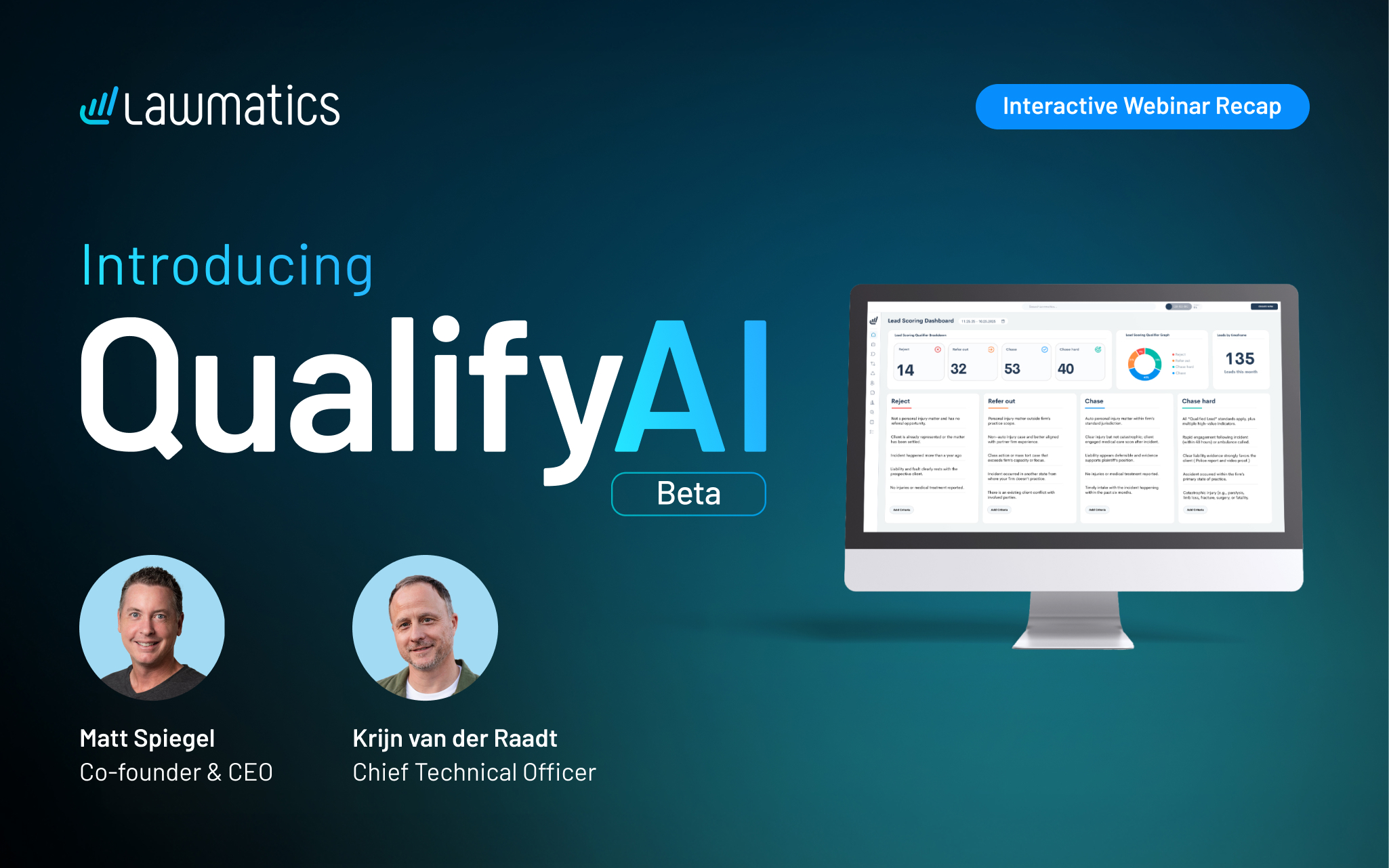
Sorting leads takes time, and too often that time goes to incomplete info, inconsistent review, and opportunities that stall. Deciding which cases to pursue, refer, or reject can slow intake and leave firms guessing about where to focus their efforts.
QualifyAI is Lawmatics’ newest beta feature, bringing artificial intelligence into the intake process in a way that’s practical, transparent, and built for law firms. Using your firm’s own data, it evaluates new leads and recommends next steps with clear reasoning, helping teams move faster and focus on the cases that matter most.
This session, hosted by Lawmatics co-founder and CEO Matt Spiegel and CTO Krijn van der Raadt, pulls back the curtain on the new beta feature and how it fits into the Lawmatics platform. Matt shares Lawmatics’ vision for building AI that supports real firm workflows, while Krijn demonstrates how to create a scoring model, review recommendations, and fine-tune results with feedback.
Time stamps of key takeaways
3:50 — Lawmatics’ approach to AI
Matt opens with Lawmatics’ broader vision for AI and why it’s critical to build automation that’s targeted and relevant. Rather than bolt-on tools, he explains, AI should live within the platform itself: aligned to real law firm workflows and transparent about how decisions are made.
14:48 — Setting up your lead scoring model
To kick off the demo, Krijn walks through how to create a qualification profile using the data already in your account. At setup, the system reviews past leads, pipelines, and forms to suggest criteria for what defines a qualified lead in each practice area. From there, QualifyAI references those firm-defined standards to recommend next steps — whether to pursue, reject, or refer a matter.
21:40 — How QualifyAI makes its recommendations
Next, Krijn shows how the tool evaluates incoming leads in real time. Each recommendation includes a confidence level and a short explanation of why — factors like case type, location, or claim details — so firms can see the reasoning before deciding how to proceed.
28:00 — Giving feedback to your AI model
Users can review QualifyAI’s recommendations, mark them as accurate or off-base, and add notes for context. That feedback feeds directly back into the system, refining future results. Krijn demonstrates how updating a single “Chase” call to “Refer Out” instantly adjusts how similar leads will be handled going forward.
40:00 — Q&A
The session wraps with questions on multi-practice support, privacy safeguards, and how QualifyAI fits into the client experience. Matt and Krijn also share a glimpse of what’s next for AI in Lawmatics, including tools designed to further enhance intake and lead management.
Webinar slide deck
About the session
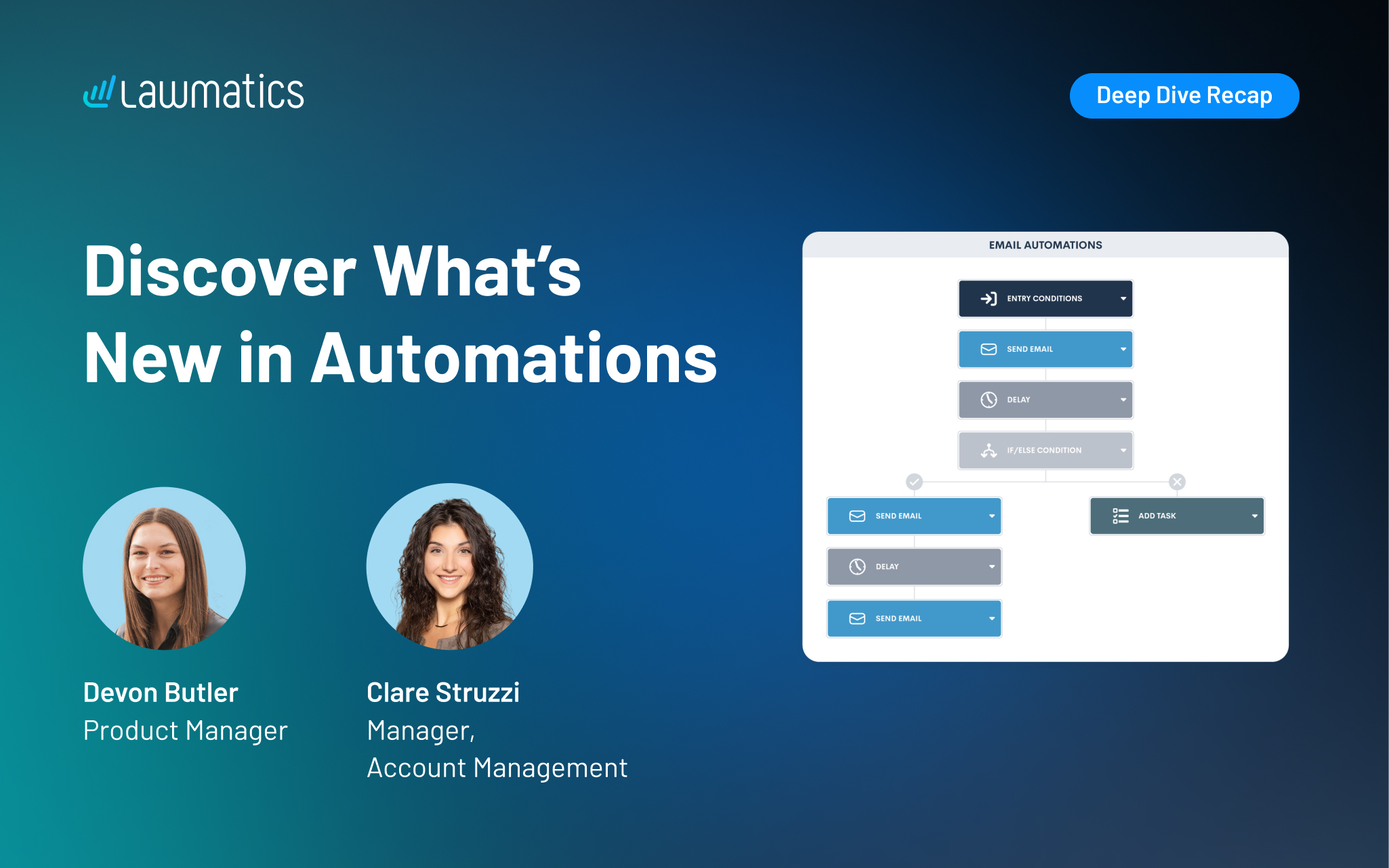
Behind every great client experience is a system quietly keeping things on track. The newest automation updates in Lawmatics build on that foundation, making it even easier to build and manage their automated workflows.
In this session, Devon Butler and Clare Struzzi walk step-by-step through what’s new. They cover trigger-based automations, appointment workflows, shared entry rules, and a simple way to organize everything in folders. Together, these improvements give firms even more control, flexibility, and time back in their day.
Webinar slide deck
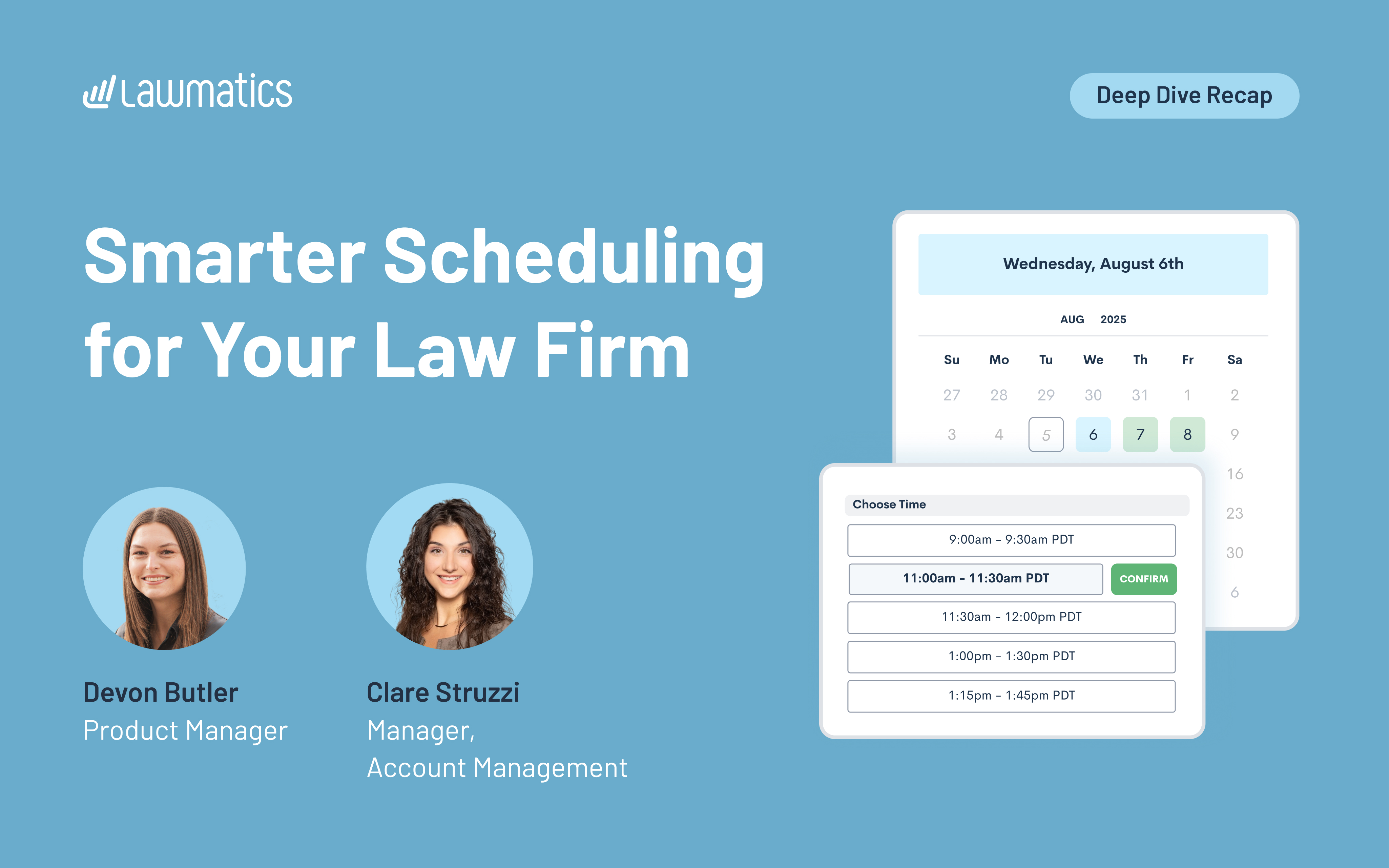
Booking a consultation might seem like a small step in the client journey, but it’s often where momentum is either gained or lost. When scheduling feels smooth, clear, and personalized, it sets the tone for everything that follows.
This month’s Deep Dive webinar focused on how to use Lawmatics to streamline scheduling, reminders, payments, and event registrations. Hosted by Product Manager Devon Butler and Clare Struzzi, manager of the account management team at Lawmatics, the session covers everything from customizing availability to collecting payments through booking forms.
Time stamps of key takeaways
8:19 – Appointment scheduling options
Devon walks through how to set up your calendar, including working hours, buffer times, and rolling booking windows. She also explains the difference between general availability and appointment-specific settings. Clare clarifies how two-way sync works and when to use appointment-type-specific rules to better control your calendar.
21:51– Using appointments with forms
This section focuses on how clients book appointments through forms. Devon shows how to embed booking blocks in custom forms, with options like selecting hosts, adding additional attendees, and applying conditional logic. Clare shares examples of firms using location- or attorney-based fields to dynamically display the right booking options.
33:20 – Setting up confirmations and reminders
Next, Devon and Clare show how to create personalized confirmations and reminders using appointment-specific emails or texts. They walk through how to assign emails based on appointment type, location, or practice area, and explain when to use general messages vs. detailed ones with merged info like Zoom links or physical addresses. They also break down the differences between confirmation and reminder timing.
40:25 – Collecting payments for appointments
Devon demonstrates how to add payment fields to forms using LMPay, including setting fixed fees and applying conditional logic based on form answers. Clare explains common use cases, like toggling payment fields based on consultation type or practice area. This lets firms collect fees at the time of booking and avoid chasing payments later.
46:23 – Building and managing events from within Lawmatics
Webinar slide deck
Devon explains how to create and manage group events, like webinars or workshops, directly in Lawmatics. She walks through setting up event types, adding registrants manually or through forms, applying registration caps, and using automations and tags to track registrants or trigger follow-ups.
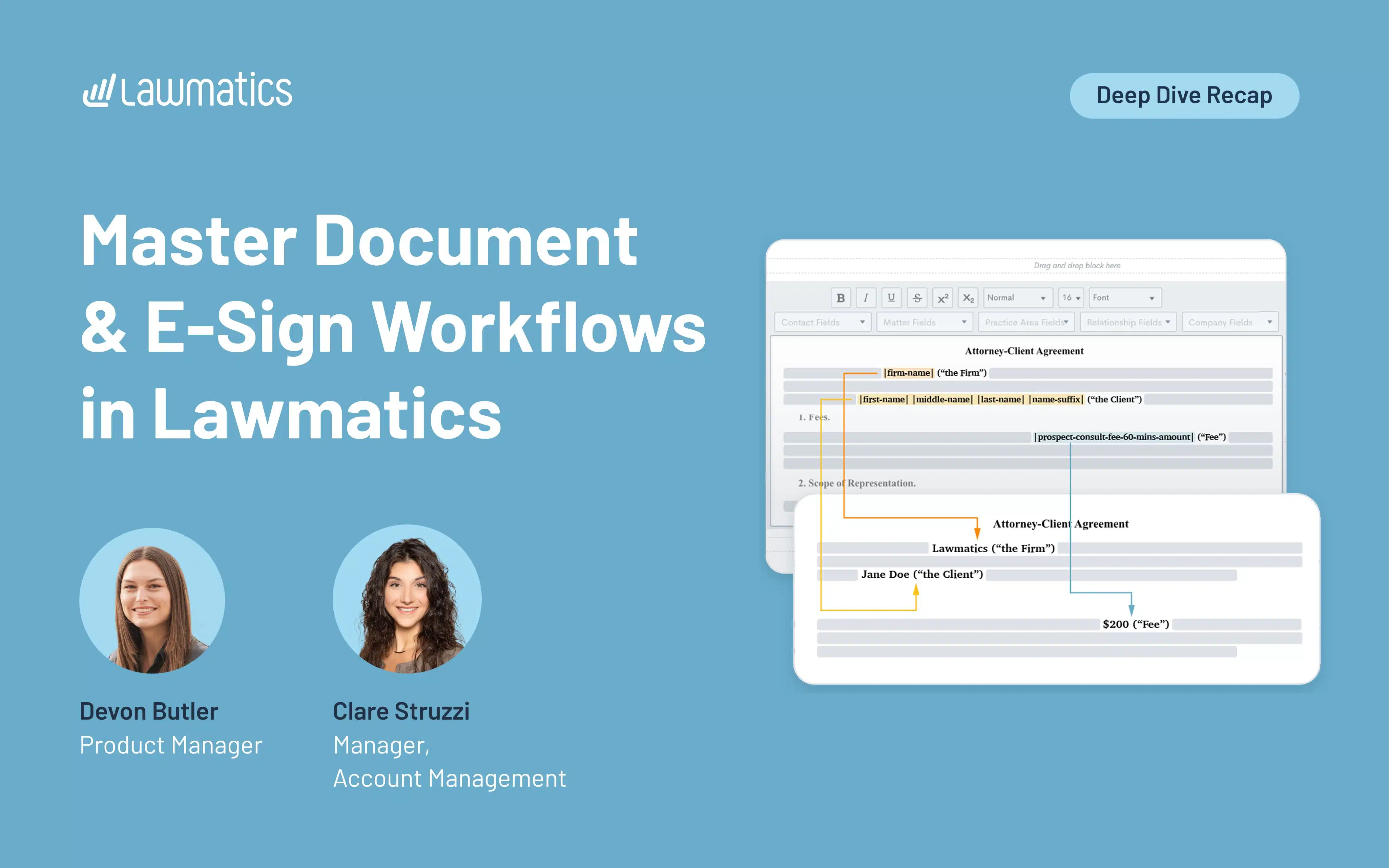
Documents are a critical part of any legal intake, but they’re also one of the easiest places for things to get messy. Whether it’s missing information, outdated templates, or slow turnaround times, small issues can add up fast. That’s why it’s so important to have a document workflow that’s tightly connected to the rest of your process, especially when it comes to forms, automations, and e-signatures.
Hosted by Product Manager Devon Butler and Clare Struzzi, manager of the account management team at Lawmatics, the session walks through how to use Lawmatics to build dynamic documents, pull in the right data, and automate the intake process all the way through to a signed agreement.
Time stamps of key takeaways
7:15 – Creating a new document
Devon walks through how to build a document using the Start Fresh option in Lawmatics, which is the recommended editor. She covers everything from adding headers and footers to inserting merge fields and signature blocks. Clare also shares tips on how to handle formatting, like where to place page breaks and how to use conditional logic blocks effectively based on practice area, without needing separate documents for each.
21:00 – Customizing content with merge fields
In this section, Devon explains how merge fields pull in data from both the contact and matter to personalize each document. She shows examples like merging in retainer amounts, scope of representation, and current dates. Clare also highlights how firms often use consultation notes forms to pre-fill these fields, so everything’s ready to go by the time a document is sent.
29:32 – Sending forms / merging data from forms
Devon and Clare walk through how forms and documents work together. Using a form lets you collect the exact information needed to populate an e-signature doc, things like fees, payment plans, or incident details. They also cover when to set fields as required and explain when to trigger sends in an automation, as opposed to manually reviewing before sending.
36:18 – Internal vs external forms
Not all forms are built the same. Devon explains that internal forms can’t be sent via automation — even to internal users — so marking a form as external is key when it's part of a workflow. They also share how to pre-fill fields like lead attorney using hidden defaults, and how to time form delivery (e.g., sending to a lead attorney 10 minutes before a consultation) using appointment-based automations.